We use cookies to enhance your experience, provide personalised content, and analyse our traffic; see our Cookie Policy.
xai/grok-imagine-image-2Bold graphic styles in 1K or 2K, from 88 credits
Grok Imagine Image 2 is xAI's image generation and editing model, released on 7 August 2026.
Last updated Nov 23, 2026
It is strong on bold graphic styles and on large titles. On Tchavi the price follows the quality and the size: 88 credits in low at 1K, 132 in low at 2K or in medium at 1K, 176 in medium at 2K. Asked for neither, it renders in medium at 2K, for 176 credits.
On Tchavi you pay with mobile money, no card and no KYC. One API key opens 100+ models, images and video included: compare Grok Imagine with the others on the same prompt.
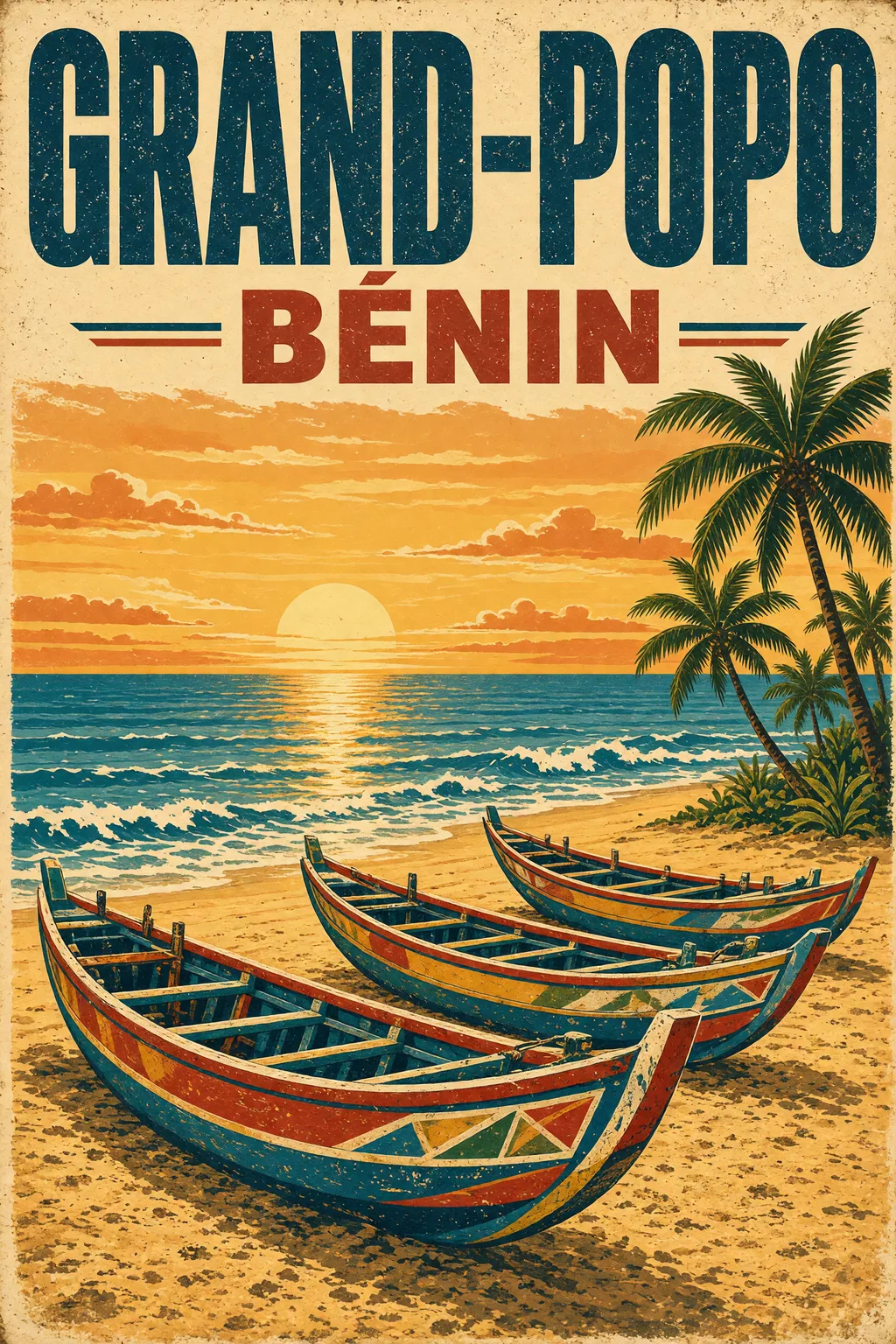
Posters, illustration, screen-print and retro looks
Short headlines rendered cleanly
From 88 credits (low, 1K) to 176 (medium, 2K)
Start from one reference image
If the main host is down, a second one serves the request
Album cover for an afrobeat band called "Lagos Nights": neon skyline, saxophone, bold title in a 70s typeface.
Flat illustration of a family sharing a meal of fufu and light soup, warm colours, children's book style.
88 credits in low at 1K, 132 in low at 2K or in medium at 1K, 176 in medium at 2K. A request that sets neither quality nor resolution is made in medium at 2K, so 176 credits.
Low costs less and gives a faster, simpler render; medium is the default.
Yes, from one reference image sent with your prompt. It is billed by its size: 21.95 credits per megapixel, 1 megapixel at least. An image whose size we cannot read is refused before any charge.
One. Send several requests to get variations.
With your Tchavi API key, request an image with model: "grok-imagine-image-2", your prompt and, if you like, a resolution and a quality.
Yes. Top up your Tchavi account with Orange Money, MTN MoMo, M-Pesa or another mobile money operator. No bank card is needed. Credits land as soon as the payment is confirmed and are deducted as you use them.
Yes. Keep your current OpenAI SDK, just change the base URL to Tchavi's (shown in the API tab) and use your Tchavi key. The rest of your code stays the same.
import Tchavi from '@tchavi/sdk';

const client = new Tchavi({ apiKey: 'API_KEY' });

const result = await client.images.generations.create({
  "model": "grok-imagine-image-2",
  "prompt": "A cute cat wearing a space suit",
  "n": 1,
  "quality": "standard",
  "size": "1024x1024"
});

console.log(result.data[0].b64_json);
console.log('Credits used:', result.tchavi.credits_used);Every parameter this model accepts on the API. Check the SDK for full typings.
modelRequiredID of the image model (e.g. `grok-imagine-image-2`).
promptRequiredText description of the image to generate.